Explore with us and let your creativity shine with our latest electronic music production articles. Tips, guides, and resources to help you learn.

A Comprehensive Guide to Ableton Live 11 Preferences
Ableton Live 11 preferences can be daunting, especially for beginners. In this series of posts, I’ll step through each preference screen in Ableton 11 to explain what the options do. I’ll also include the settings that I personally use. Disclaimer: These blog posts are specific to Ableton 11, but many…
What Is FM Synthesis?
FM synthesis revolutionized music production in the 1980s with the Yamaha DX7, a synth that defined the sound of synth-pop, film scores, and video games. Today, its legacy lives on in digital tools like Ableton Live and plugins such as Native Instruments FM8. Whether you’re crafting sharp digital basses, shimmering…

What Is Additive Synthesis
Additive synthesis is one of the core approaches in sound creation, especially when you start exploring how musical instruments and synthesizers build their tones. If you’ve ever wondered how digital instruments generate complex, rich sounds, understanding additive synthesis is a great starting point for shaping your own unique audio textures.…

What Is Subtractive Synthesis
Have you ever wondered how that warm, thick, sometimes gritty classic synth sound is made? At the heart of it all lies subtractive synthesis—a foundational technique in electronic music production. From the warm hum of a Moog to the sleek precision of a virtual synth, subtractive synthesis is everywhere. While…

Understanding Synthesis in Ableton Live 11: Wavetable, Additive, and Subtractive Techniques
When electronic music producers seek specific sounds, they often turn to synthesis. Synthesis transforms electronic signals into sound, allowing you to create everything from horn and bass sounds to abstract atmospheres and unique instruments. By manipulating audio at the waveform level, you gain access to an almost infinite palette of…

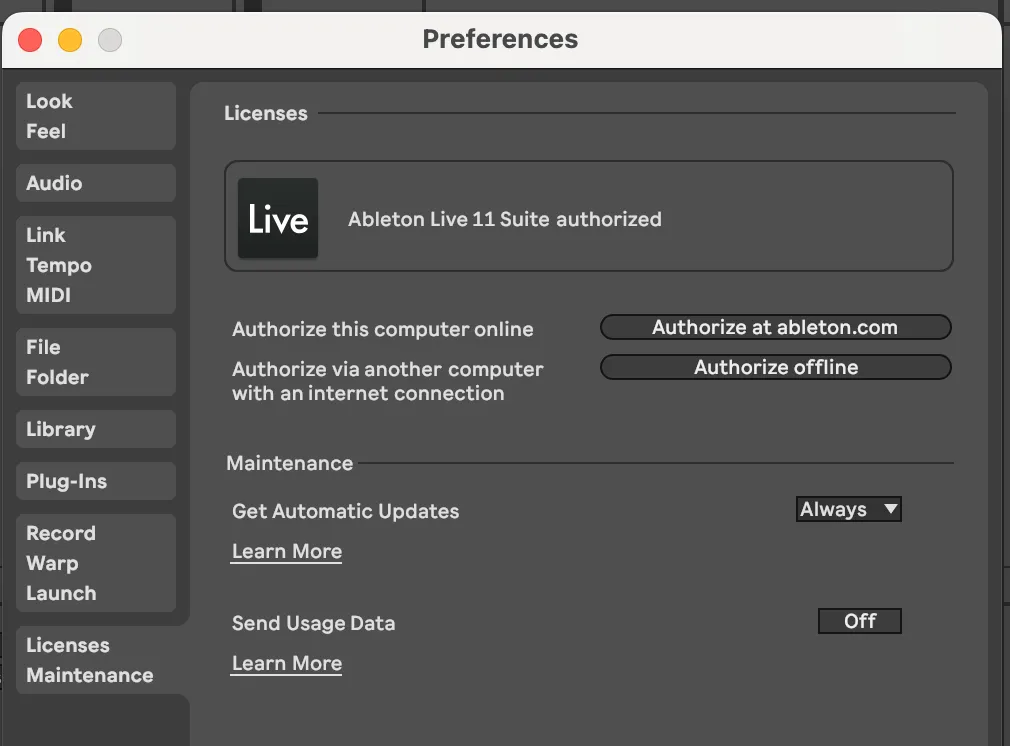
Ableton 11 Preferences: Licenses Maintenance
The licenses and maintenance settings probably need no explanation, but for the sake of completeness we’ll give it a quick once-over. Ableton 11 Manual – Licenses Maintenance Licenses Authorize This Computer Online This option allows you to activate your copy of Ableton Live on the current computer using an internet…

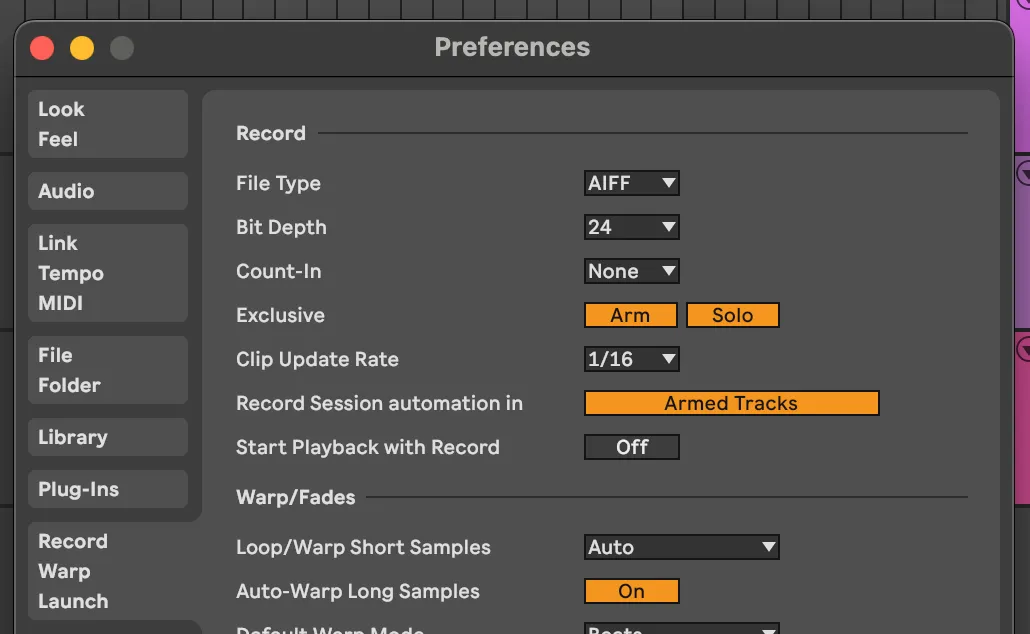
Ableton 11 Preferences: Record Warp and Launch
Ableton 11’s record warp and launch preferences will help you define how Ableton starts recording and playback, and controls automatic portions of the warp function. Lets dig into Ableton 11 Preferences: Record Warp and Launch Ableton 11 Manual – Record Warp Launch Record File Type This is the type of…

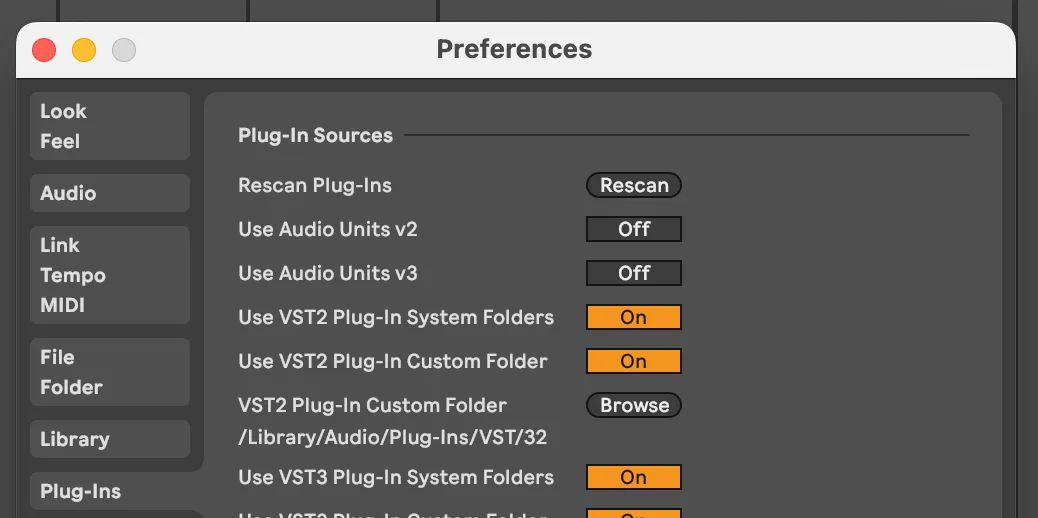
Ableton 11 Preferences: Plug-ins
Plugin settings are another set of configurations that control how Ableton finds, loads, and manages the additional software tools you use to create music. These tools, called plug-ins, extend Ableton’s capabilities by adding effects, instruments, and processing capabilities beyond what comes standard in the software. Lets start our exploration of…

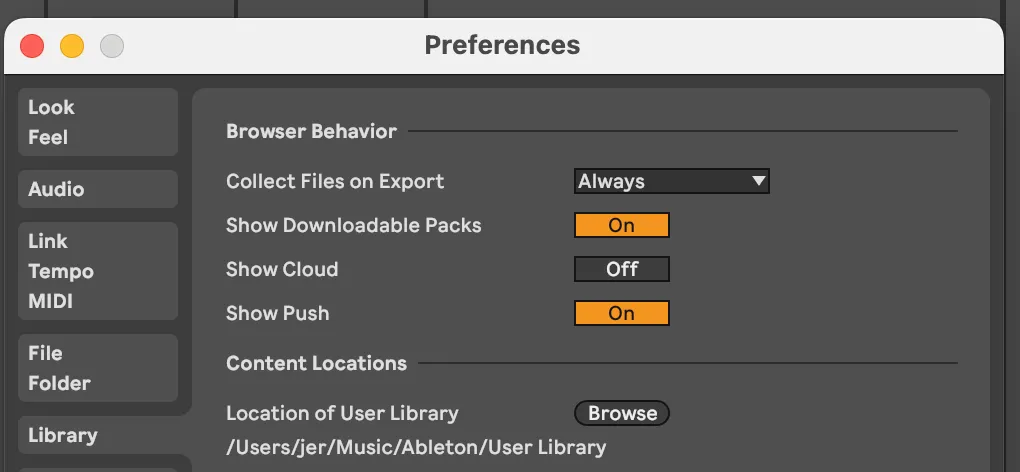
Ableton 11 Preferences: Library
The Library section is another quick set of settings that control elements of your sound/instrument browser, and where your sounds are located on your disk. Ableton 11 Manual – Library Browser Behavior The browser appears on the left side of Ableton’s user interface. This is where you browse the sounds…

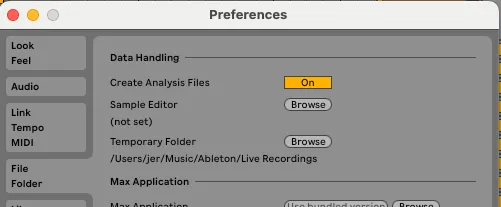
Ableton 11 Preferences: File and Folder
At first glance, the File and Folder settings in Ableton Live 11 might seem like a simple way to designate where your sounds and samples are stored. However, these options delve deeper into how files are managed and processed within the software. Ableton 11 Manual – File and Folder Data…